


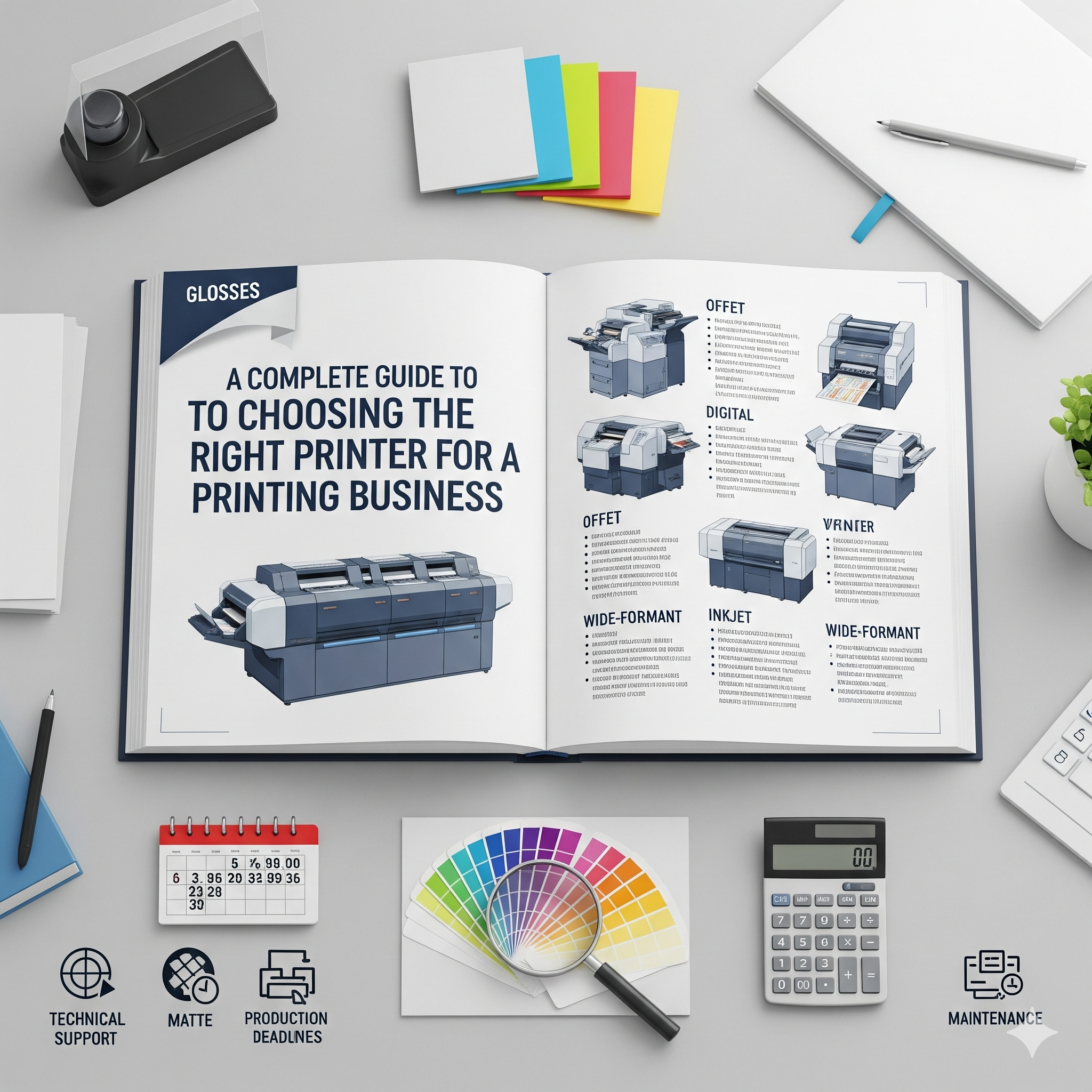
Starting a printing business—or upgrading an existing one—comes with one critical question: which printer should you invest in? Choosing the right printer isn’t just about hardware; it determines your print quality, efficiency, service range, and ultimately, profitability. With countless technologies, formats, and brands available, making the right choice can feel overwhelming.
This comprehensive guide will help you navigate through printer types, technologies, features, costs, and practical considerations to ensure your investment aligns with your business goals.
1. Understand Your Printing Business Model
Before exploring printers, it’s essential to clarify your printing business type and target customers. Your choice will vary greatly depending on whether you plan to serve corporates, retail clients, events, or textiles.
Common Business Models:
- Commercial/Corporate Printing
- Products: Business cards, brochures, flyers, corporate stationery, manuals.
- Printer type: High-speed digital presses or offset printers.
- Large Format Printing
- Products: Banners, hoardings, vehicle wraps, wall graphics.
- Printer type: Eco-solvent, latex, or UV flatbed printers.
- Textile & Apparel Printing
- Products: T-shirts, sportswear, promotional fabric items.
- Printer type: Screen printing machines, DTG (Direct-to-Garment), or sublimation printers.
- Specialty Printing
- Products: Packaging, labels, signage on rigid surfaces like wood, glass, or metal.
- Printer type: UV flatbed, laser engravers, or thermal printers.
Understanding your target market will dictate which printer technology is the most suitable.
2. Types of Printers for Business Use
2.1 Inkjet Printers
- Best for: Posters, photos, and short-run marketing materials.
- Pros: High resolution, versatile, affordable entry-level options.
- Cons: Slower speed and higher ink costs for large volumes.
2.2 Laser Printers
- Best for: High-volume office or commercial printing of documents, flyers, and reports.
- Pros: Fast, low running costs, durable.
- Cons: Limited media handling, less ideal for colorful graphics.
2.3 Digital Production Printers
- Best for: Professional print shops handling brochures, business cards, or books.
- Pros: Fast turnaround, bulk printing, consistent results.
- Cons: Higher upfront cost.
2.4 Eco-Solvent Printers
- Best for: Outdoor banners, signage, and vehicle wraps.
- Pros: Durable and weather-resistant.
- Cons: Requires ventilation; slower drying time.
2.5 UV Flatbed Printers
- Best for: Printing on rigid materials like wood, acrylic, glass, or metal.
- Pros: Direct-to-surface printing, scratch-resistant, no lamination needed.
- Cons: High capital investment.
2.6 Sublimation Printers
- Best for: Apparel, mugs, ceramic items, and polyester-based products.
- Pros: Vibrant colors, washable prints.
- Cons: Limited to polyester/textile surfaces.
2.7 Screen Printing Machines
- Best for: Bulk fabric printing (t-shirts, bags, uniforms).
- Pros: Cost-effective for large runs, long-lasting prints.
- Cons: Time-intensive setup; not ideal for short-run custom jobs.
3. Key Factors to Consider Before Buying a Printer
3.1 Print Quality & Resolution
- High-quality prints require 600–1200 DPI for sharp images and text.
- Detailed designs, especially for photos, require higher DPI.
3.2 Print Speed
- Measured in pages per minute (PPM) or square feet per hour for wide-format printing.
- Faster printers increase productivity and profitability.
3.3 Media Compatibility
- Check if the printer supports vinyl, canvas, textiles, glossy/matte paper, or rigid boards.
- A versatile printer allows multiple revenue streams.
3.4 Ink Type & Cost
- Dye-based inks: Bright colors but less durable.
- Pigment-based inks: Long-lasting and UV resistant.
- Eco-solvent/UV inks: Weatherproof for outdoor use.
- Always calculate cost per print before finalizing a purchase.
3.5 Volume & Duty Cycle
- Entry-level printers: 500–2,000 pages/month.
- Commercial printers: 50,000–100,000+ pages/month.
- Choose a machine that aligns with your expected production.
3.6 Connectivity & Workflow
- Look for Wi-Fi, Ethernet, RIP software, color management tools.
- Streamlined workflows save time and reduce errors.
3.7 Maintenance & Support
- Ensure reliable after-sales service and availability of spare parts.
- Consider Annual Maintenance Contracts (AMC) to avoid downtime.
4. Budgeting: Upfront vs. Long-Term Costs
When choosing a printer, don’t focus solely on purchase price. Consider:
- Ink/Toner costs
- Media/substrate costs
- Maintenance and spare parts
- Energy consumption
- Operator training
Sometimes a higher-priced machine with lower running costs is more profitable long-term than a cheaper printer with expensive ink or frequent breakdowns.
5. Top Printer Brands for Businesses
- HP: Latex, UV, and production printers.
- Canon: High-quality photo and production printers.
- Epson: Eco-solvent, sublimation, and textile printers.
- Roland: Signage, vinyl cutting, and vehicle wrap printers.
- Xerox: High-speed office and commercial printers.
- Ricoh & Konica Minolta: Reliable corporate production.
6. Applications of Different Printers
| Printer Type | Best Use Case | Example Product |
|---|---|---|
| Inkjet | Posters, short-run prints | Event posters, marketing flyers |
| Laser | Bulk documents, office printing | Business forms, brochures |
| Eco-solvent | Outdoor signage, vehicle wraps | Flex banners, vinyl decals |
| UV Flatbed | Rigid materials, specialty signs | Acrylic boards, glass prints |
| Sublimation | Textiles, mugs, décor items | T-shirts, mugs, pillow covers |
| Screen Printing | Bulk apparel & fabric items | T-shirts, tote bags |
7. Emerging Trends in Printing Technology
- Eco-friendly inks & media: Water-based inks, recyclable materials.
- Automation & AI: Reduced human intervention and errors.
- Hybrid Printers: Combining roll-to-roll and flatbed capabilities.
- On-Demand Printing: Personalized products like mugs, apparel, packaging.
- Interactive Printing: QR codes, AR-enabled posters.
8. Step-by-Step Printer Buying Checklist
- Identify your business type and primary products.
- Determine print sizes and media types required.
- Decide between speed and quality priorities.
- Compare cost per print across printer models.
- Evaluate after-sales support, warranty, and spare parts availability.
- Request a sample print demo from the vendor.
- Start with a scalable machine; upgrade as demand grows.
9. Common Mistakes to Avoid
- Buying a printer solely based on price.
- Ignoring ongoing ink and maintenance costs.
- Overlooking media compatibility (e.g., vinyl or fabric support).
- Neglecting workflow software for color management and print automation.
✅ Conclusion
Choosing the right printer is not just a hardware decision; it’s a strategic business choice. Your printer determines your service capabilities, quality, speed, and profitability. Start with a versatile machine that matches your business model, then expand into specialized printers (UV, sublimation, large-format) as your operations grow.
By carefully aligning printer choice with your target market, production volume, and long-term growth strategy, your printing business can achieve higher efficiency, better customer satisfaction, and maximum ROI.


