


Understanding Printer Resolutions: How It Affects Print Quality (Complete Guide)
When it comes to printing, one of the most misunderstood yet crucial factors is printer resolutions. Whether you’re printing marketing materials, photographs, or signage, resolution directly impacts the clarity, sharpness, and overall quality of your output.
In this SEO-optimized guide, you’ll learn what printer resolution means, how it works, and how to choose the right settings for professional results.
What is Printer Resolution?
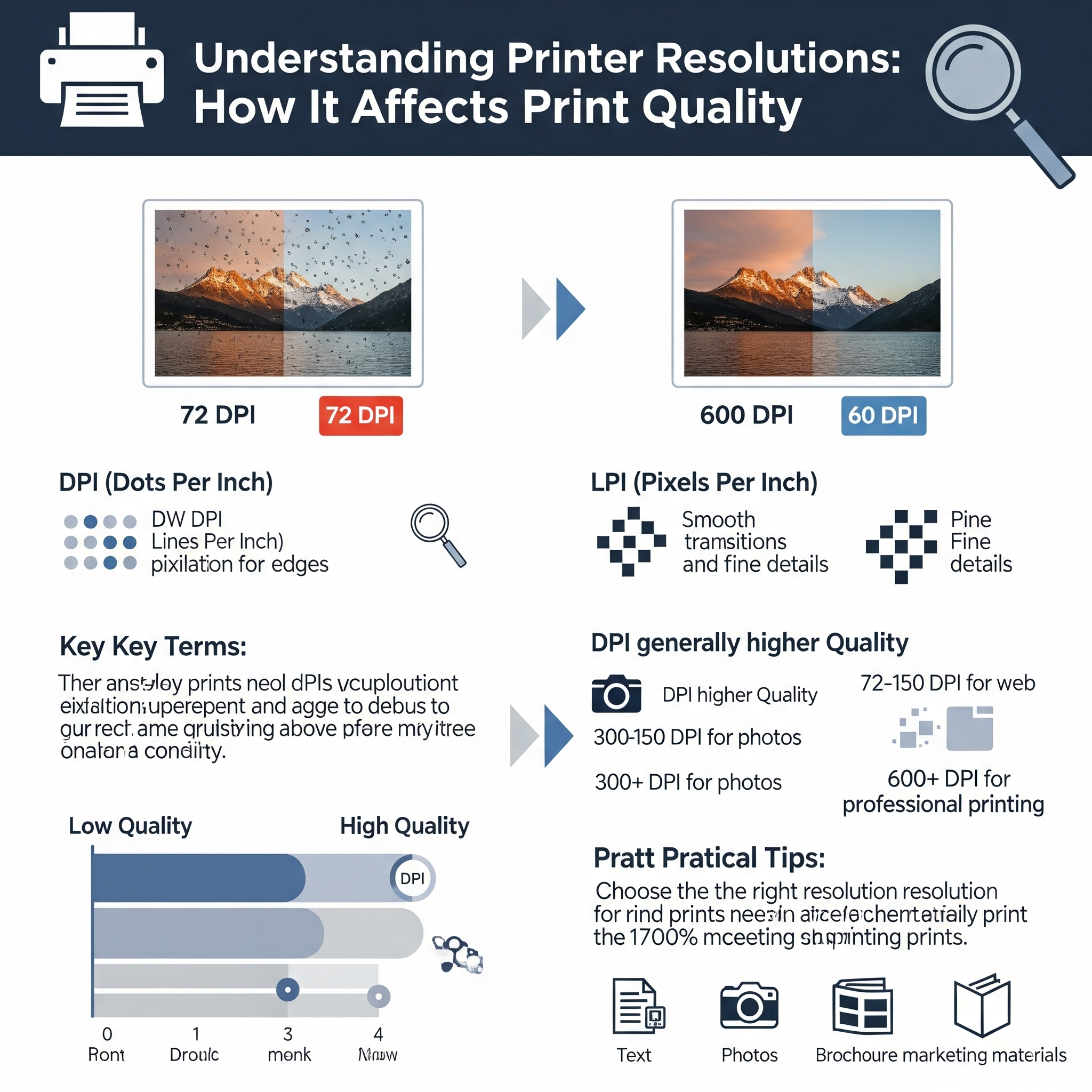
Printer resolution refers to the amount of detail a printer can produce, typically measured in DPI (dots per inch).
- DPI (Dots Per Inch): Number of ink dots printed per inch
- Higher DPI = More detail and smoother images
- Lower DPI = Less detail and visible pixelation
For example:
- 300 DPI = Standard for high-quality prints
- 600 DPI+ = Professional-grade printing
- 72–150 DPI = Suitable for web or large-format viewing
DPI vs PPI: What’s the Difference?
Many people confuse DPI with PPI (Pixels Per Inch), but they are not the same.
| Term | Meaning | Used For |
|---|---|---|
| DPI | Ink dots printed | Printers |
| PPI | Pixels on a screen | Digital images |
👉 A high PPI image is needed to achieve high DPI print quality.
How Printer Resolution Affects Print Quality
1. Image Sharpness
Higher resolution produces crisper text and sharper images, especially important for:
- Brochures
- Business cards
- Photography prints
2. Color Gradients
High DPI allows smoother transitions between colors, reducing banding.
3. Detail Reproduction
Fine details like small fonts or intricate designs require higher DPI.
4. Viewing Distance Matters
Large banners don’t need extremely high DPI because they’re viewed from a distance.
Recommended DPI for Different Print Types
| Application | Recommended DPI |
|---|---|
| Business cards | 300–600 DPI |
| Brochures/Flyers | 300 DPI |
| Photographs | 300–1200 DPI |
| Large banners | 72–150 DPI |
| Billboards | 30–72 DPI |
👉 The farther the viewing distance, the lower the required resolution.
What Happens If Resolution is Too Low?
- Blurry images
- Pixelation
- Jagged edges in text
- Poor professional appearance
This can damage your brand image, especially in marketing materials.
What Happens If Resolution is Too High?
Surprisingly, higher isn’t always better.
- Larger file sizes
- Slower printing speeds
- No visible improvement beyond a certain point
👉 For most use cases, 300 DPI is the sweet spot.
Printer Resolution vs Print Size
Resolution is closely tied to print dimensions.
Example:
- A 3000 × 2400 pixel image printed at:
- 300 DPI → 10″ × 8″ (high quality)
- 150 DPI → 20″ × 16″ (lower quality)
👉 Increasing print size lowers effective DPI.
Types of Printer Resolutions
1. Draft Mode (Low DPI)
- Faster printing
- Lower ink usage
- Used for internal documents
2. Standard Mode (Medium DPI)
- Balanced speed and quality
- Ideal for everyday printing
3. High-Quality Mode (High DPI)
- Best for photos and marketing materials
- Slower but superior output
Inkjet vs Laser Printer Resolution
Inkjet Printers
- Higher DPI (up to 4800 DPI or more)
- Better for images and photos
Laser Printers
- Lower DPI (600–1200 DPI typical)
- Better for text and office documents
👉 Inkjet printers excel in color accuracy, while laser printers excel in speed and efficiency.
Resolution in Large Format Printing
For large-format prints like banners and hoardings:
- Resolution is lower (30–150 DPI)
- Files are optimized for viewing distance
- High DPI is unnecessary and inefficient
Tips to Get the Best Print Quality
1. Always Use High-Resolution Images
Start with at least 300 PPI images for print.
2. Match DPI to Your Project
Avoid overkill—use appropriate resolution for each application.
3. Check Print Preview
Always preview before printing to catch issues.
4. Use Proper File Formats
- Best formats: PDF, TIFF, PNG
- Avoid low-quality JPEG compression
5. Calibrate Your Printer
Ensure accurate color and sharpness.
Common Myths About Printer Resolution
Myth 1: Higher DPI Always Means Better Quality
👉 False. Beyond a certain point, improvements are not noticeable.
Myth 2: You Can Fix Low Resolution by Increasing DPI
👉 False. You cannot add detail that isn’t there.
Myth 3: All Printers Perform the Same at Same DPI
👉 False. Hardware, ink quality, and technology matter.
Cost Impact of Printer Resolution
Higher resolution affects:
- Ink consumption (more dots = more ink)
- Printing time
- Maintenance costs
👉 Businesses should balance quality vs cost efficiency.
Best Resolution Settings for Businesses
If you run a printing or design business:
- Use 300 DPI for most jobs
- Use 150 DPI for large-format prints
- Use 600 DPI+ for premium photo prints
Conclusion
Printer resolution is a critical factor that determines the success of your print output. Understanding how DPI works—and choosing the right resolution for your specific needs—can save costs while ensuring professional-quality results.
Instead of always going for the highest resolution, focus on smart optimization based on print size, viewing distance, and purpose.
FAQs (SEO Section)
1. What is the best DPI for printing?
300 DPI is ideal for most high-quality prints.
2. Is 600 DPI better than 300 DPI?
Yes, but only for detailed work like photography or fine art prints.
3. Can I print a 72 DPI image?
Yes, but only for large prints viewed from a distance.
4. Does DPI affect file size?
Yes, higher DPI increases file size and processing time.
External Resources
- https://www.printingforless.com/resources/image-resolution-for-printing/
- https://helpx.adobe.com/photoshop/using/image-size-resolution.html
- https://www.hp.com/us-en/shop/tech-takes/what-is-dpi
If you’d like, I can:


