


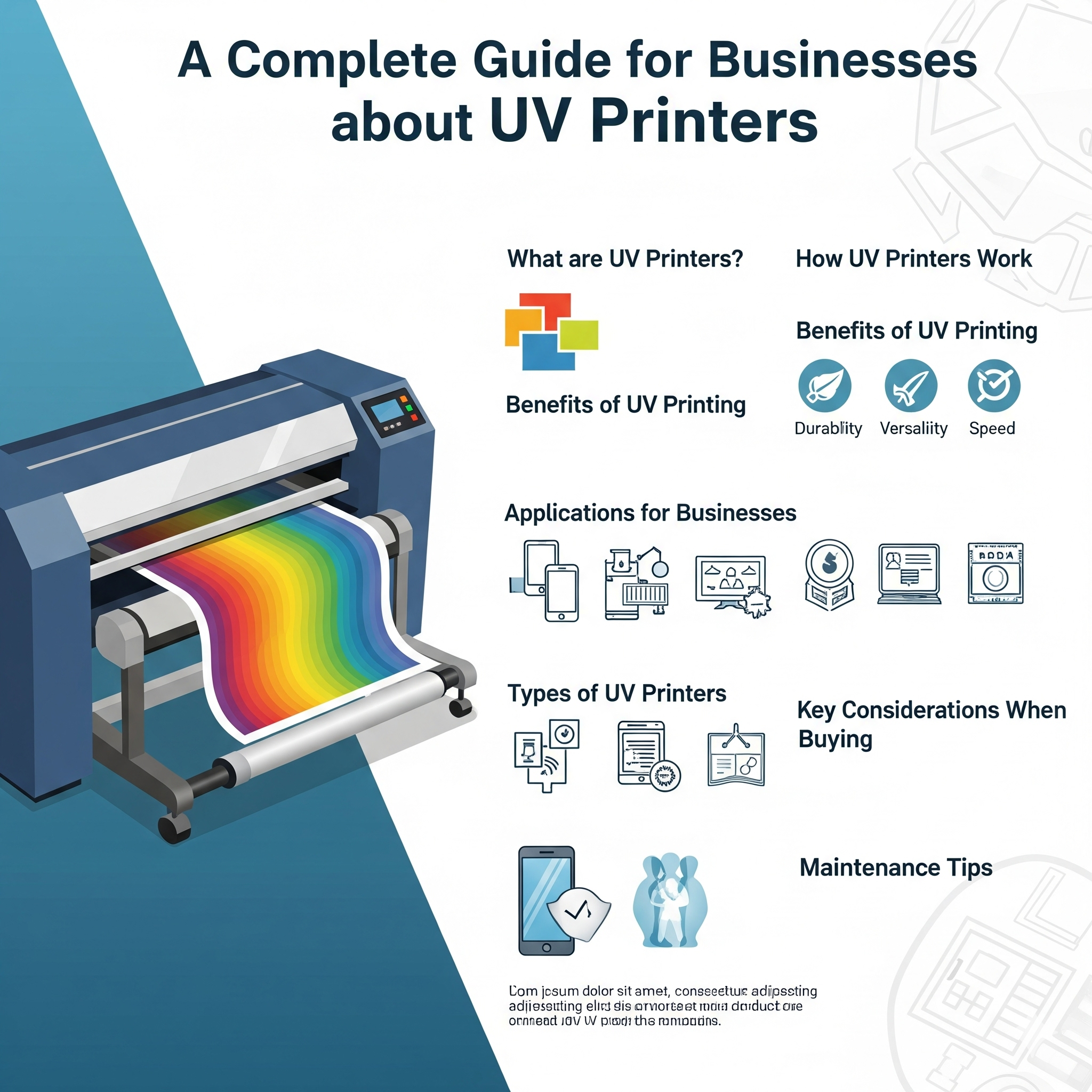
UV Printing : A Complete Guide for Businesses
In today’s printing industry, UV printing has emerged as a revolutionary technology that allows businesses to print directly on a wide range of materials with unmatched precision, quality, and durability. From promotional products to industrial applications, UV printers are transforming how companies approach branding, advertising, and product customization.
This guide provides a detailed overview of UV printers, their features, advantages, applications, and tips for choosing the right machine for your business.
1. What is UV Printing?
UV printing (ultraviolet printing) is a digital printing process where ultraviolet light is used to cure (dry) specially formulated UV inks as they are printed onto a substrate. Unlike traditional printing, UV printing does not rely on absorption; instead, the ink sits on top of the material, creating sharp, vibrant, and durable prints.
Key Components of UV Printing:
- UV Ink: Cures instantly when exposed to UV light.
- UV Lamp or LED: Provides the ultraviolet light to cure ink during printing.
- Substrate: Can be rigid or flexible materials, including wood, acrylic, glass, metal, plastic, and more.
2. How UV Printers Work
The UV printing process involves:
- Digital Design: The artwork or image is prepared on a computer.
- Ink Deposition: The printer sprays UV-curable ink onto the substrate with precision nozzles.
- UV Curing: The ink is exposed to UV light immediately, curing and hardening it on the surface.
Benefits of Instant Curing:
- Eliminates smudging or bleeding.
- Allows printing on non-porous surfaces.
- Reduces drying time and increases production efficiency.
3. Key Features of UV Printers
3.1 Print on Versatile Materials
UV printers can print on almost any substrate:
- Acrylic, glass, metal, and wood
- Plastics, PVC, and vinyl
- Cardboard and paperboard
- Fabrics and promotional items like pens, mugs, and phone cases
3.2 High Resolution and Detail
- Print resolution can range from 600 DPI to 1440 DPI or higher, ensuring crisp images and fine details.
- Ideal for logos, product labels, and decorative designs.
3.3 White Ink Printing
- Many UV printers include white ink capability, allowing printing on dark or transparent surfaces.
- Enhances vibrancy and contrast for custom designs.
3.4 3D Printing Capabilities
- Some advanced UV printers can print raised textures or tactile designs for a 3D effect.
- Useful for embossing, product labeling, and decorative purposes.
3.5 Eco-Friendly Technology
- UV inks are low in VOCs, reducing environmental impact.
- No need for solvents or additional coatings, making the process cleaner.
4. Advantages of UV Printing
- Durable Prints: Resistant to scratches, fading, and outdoor conditions.
- Fast Turnaround: Instant curing eliminates drying time.
- Wide Material Compatibility: Can print on materials traditional printers cannot.
- High Precision: Excellent for intricate designs, small text, and detailed graphics.
- Reduced Waste: Less ink absorption into substrates; more efficient use of materials.
5. Applications of UV Printers
5.1 Advertising & Signage
- Custom banners, boards, and promotional displays
- Durable outdoor and indoor signage
5.2 Product Customization
- Personalized gifts: mugs, phone covers, pens
- Corporate branding items
5.3 Industrial & Manufacturing
- Panel printing, nameplates, control boards
- Packaging prototypes and decorative surfaces
5.4 Art & Decor
- Customized tiles, wall panels, and glass prints
- Interior decoration elements
6. Choosing the Right UV Printer for Your Business
When selecting a UV printer, consider:
- Print Size & Format:
- Small-format for gifts and promotional items
- Wide-format for signage and panels
- Print Resolution:
- 600 DPI for standard applications
- 1200–1440 DPI for detailed designs or photo-quality prints
- White Ink & Multi-Layer Printing:
- Necessary for printing on colored or transparent substrates
- Curing Technology:
- LED UV lamps are energy-efficient and produce less heat
- Mercury UV lamps are faster but consume more energy
- Budget & ROI:
- Initial investment varies depending on format, features, and brand
- Consider long-term savings on substrates, ink, and maintenance
7. Cost Considerations
| Factor | UV Printer Details |
|---|---|
| Initial Investment | $5,000–$50,000+ depending on size & features |
| Ink Cost | Higher per unit than traditional ink but more efficient use |
| Maintenance | Moderate; includes lamp and printhead care |
| Substrate Cost | Compatible with a wide range, some specialized substrates cost more |
| Production Efficiency | High, due to instant curing & minimal drying time |
Insight: While UV printers have higher upfront costs, the ability to print on diverse materials, high-quality output, and low post-processing time often justify the investment for businesses.
8. Tips for Getting the Best Results
- Use high-resolution images (300–600 PPI) for sharp output.
- Select compatible substrates to avoid ink adhesion issues.
- Maintain your printer regularly, clean printheads, and replace UV lamps as recommended.
- Test prints before large production runs to ensure color accuracy.
- Consider hybrid workflows with digital or eco-solvent printing for versatile production.
9. Future Trends in UV Printing
- Multi-layer & 3D UV printing for textures and embossed designs
- Integration with AI & automation for precision and workflow efficiency
- Eco-friendly UV inks with even lower environmental impact
- Smarter printers with IoT-enabled monitoring and remote management
Businesses adopting UV technology stay competitive by offering high-quality, durable, and customizable prints that traditional methods cannot match.
✅ Conclusion
UV printing is a game-changer for businesses seeking high-quality, durable, and versatile print solutions. With the ability to print on a wide variety of substrates, create 3D textures, and produce vibrant, long-lasting images, UV printers are ideal for:
- Marketing and promotional applications
- Industrial and manufacturing printing
- Art, decor, and custom products
Investing in a UV printer can elevate your business offerings, reduce turnaround times, and provide a competitive edge in the market.
Key Takeaways:
- Understand your business needs and substrate types
- Choose a printer with the right resolution and features
- Maintain the printer for consistent output
- Leverage UV technology for durable, high-quality prints that stand out


